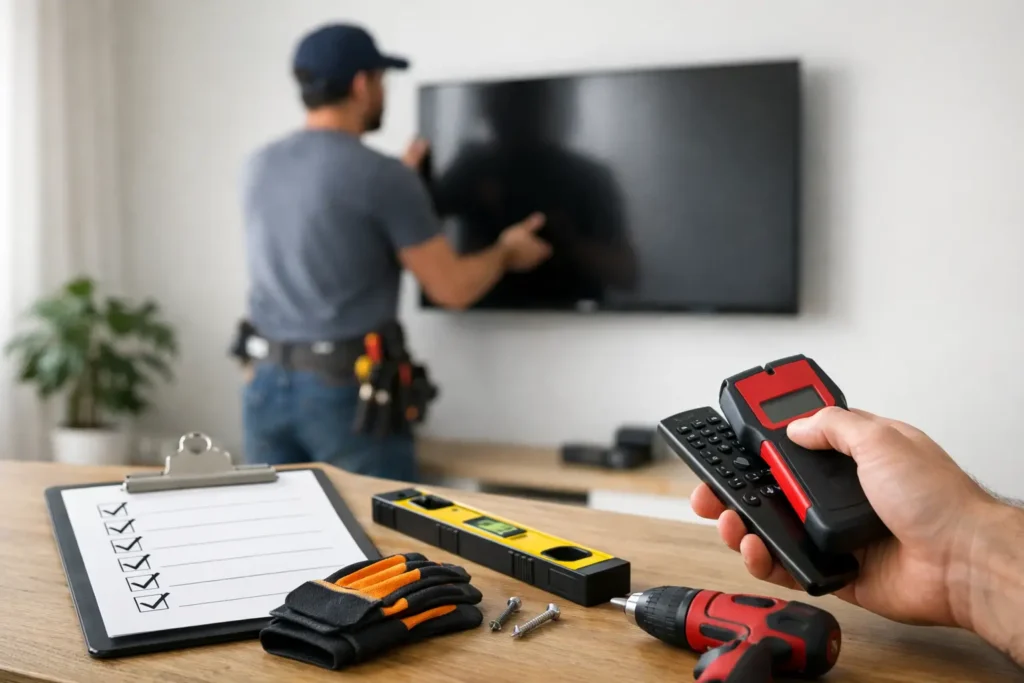
A large TV looks clean and modern on the wall – right up until the bracket pulls loose, the screen sits too high, or a hidden pipe gets hit during drilling. That is why a solid tv mounting safety checklist matters before the first hole is made. A good installation is not just about getting the TV on the wall. It is about protecting the screen, the wall, the wiring, and the people in the room.
For many homeowners, the risky part is not the mount itself. It is everything around it. Wall type, stud location, bracket rating, outlet placement, cable concealment, viewing height, and even furniture layout all affect whether the finished result is safe and reliable. The bigger the TV, the less room there is for guesswork.
Why a TV mounting safety checklist matters
A wall-mounted TV puts weight, leverage, and heat in one concentrated area. Even a mid-size screen can become a hazard if the mount is anchored incorrectly or the wall is not suitable for the hardware being used. Drywall alone is not enough for most installations, and decorative finishes like stone, tile, or paneling can complicate the job further.
There is also the issue of long-term performance. A mount may seem secure on day one, then slowly loosen because the wrong fasteners were used or the TV was extended repeatedly on a full-motion arm. In homes with kids, pets, or high-traffic family rooms, safety has to account for real daily use, not just a quick install photo.
TV mounting safety checklist before installation
The first step is confirming that the wall can actually support the setup. That means identifying whether you are mounting into wood studs, metal studs, concrete, brick, or another surface. Each one requires a different method. Wood stud walls are common and often the most straightforward, but even then, stud spacing and bracket width have to line up properly.
Next, check the mount itself. The bracket should be rated for the TV’s screen size and weight, with some margin rather than matching the limit exactly. A slim fixed mount may work well for a simple living room install, while a full-motion mount needs stronger support because it creates more outward force when extended.
TV compatibility is just as important. The VESA pattern on the back of the TV has to match the mount or use approved adapter hardware. It is also worth confirming screw depth. Using bolts that are too long can damage the TV. Using ones that are too short can leave the set insecure.
Before drilling, locate nearby power and low-voltage lines. This is where many DIY jobs go wrong. A stud finder may help, but not all tools reliably identify electrical lines, plumbing, or fire blocks hidden inside the wall. In finished homes, especially remodels, wall cavities are not always predictable.
Then review placement. A safe install is also a comfortable one. If the TV is mounted too high, people tilt their heads and strain their necks. If it is too close to a fireplace, heat can affect electronics over time. If it swings too far into a walkway, someone may eventually bump into the screen or mount.
Choosing the right wall and mount type
Not every wall is the right wall. The most convenient spot in the room is not always the safest one. For example, a centered design wall may look perfect until you realize there is no stud alignment, no nearby power, and no practical way to hide cables without opening drywall.
Fixed mounts are often the safest and cleanest option when the seating position is straightforward. They keep the TV close to the wall and reduce movement. Tilting mounts are useful in bedrooms or rooms where the TV sits slightly above eye level. Full-motion mounts offer flexibility, but they demand more planning because the arm changes the force placed on the anchor points.
There is always a trade-off. More movement usually means more stress on the wall and bracket. For larger TVs, especially in open-concept family rooms, that trade-off needs to be considered carefully.
Wall material changes the installation plan
Drywall over wood studs is common, but plaster walls, tile, stone, and masonry are also seen in many Southern California homes. Tile and stone require precise drilling and the right bits to avoid cracking the finish. Metal studs can be more complicated than homeowners expect because standard lag bolts are not a proper solution by themselves in many cases.
This is one reason professional mounting often saves time and cost later. The visible part of the project is simple. The hidden structure is where mistakes become expensive.
Safe TV height, spacing, and room layout
A safe mount is not just secure. It should work with the room. In most living spaces, the center of the screen should sit close to seated eye level, but the right height depends on sofa height, room depth, and screen size. Bedrooms, media rooms, and above-console installs may call for a different approach.
Spacing around the TV matters too. The screen should have enough clearance from shelves, cabinetry, and soundbars. If a full-motion mount is used, the swing path needs to stay clear of lamps, décor, and nearby walls. It sounds obvious, but many setups are planned only from the front view. Side clearance gets forgotten.
Heat is another concern. Mounting above a fireplace can work in some homes, but it depends on the fireplace design and measured heat output at the TV location. Some mantels block heat well. Others do not. Assuming it is fine because a neighbor did it is not a good standard.
Electrical and cable safety
One of the most overlooked parts of any tv mounting safety checklist is power. Extension cords and standard power strips should not be run inside walls. If concealed wiring is part of the plan, it should be done with the correct in-wall rated components and in a way that meets local code expectations.
Low-voltage cables also need attention. HDMI, speaker wire, Ethernet, and control lines should be routed cleanly and protected from pinch points or sharp bends. This is especially important with full-motion mounts, where cable slack has to be managed carefully. Too little slack can strain ports. Too much can create a snag point behind the TV.
A clean wire path is not just about appearance. It reduces wear, helps airflow, and makes future service much easier if a streaming device, gaming console, or sound system is added later.
Plan for the rest of the system
The TV is often only one part of the setup. Soundbars, in-wall speakers, game consoles, streaming boxes, and network hardware all affect mounting decisions. If the TV goes up first without accounting for the rest, the result can be visible wires, blocked ports, or awkward equipment placement.
It is smarter to think in terms of the whole entertainment system rather than the screen alone.
Final checks after the TV is mounted
Once the TV is on the wall, the job is not finished. The bracket should be checked for level, locking mechanisms should be engaged if the mount includes them, and the screen should sit evenly without tilt or wobble. If the mount articulates, move it through its range slowly to confirm the wall plate stays stable and the cables move freely.
Then inspect the wall itself. Small cracks, movement around anchor points, or grinding sounds when adjusting the mount are warning signs. They do not always mean failure is imminent, but they do mean the installation should be reviewed before regular use continues.
It is also smart to recheck hardware after the first few weeks, especially on full-motion mounts. Materials settle. Bolts can need retightening. A quick inspection is easier than a repair call after something shifts.
When professional installation is the safer option
Some TV mounts are straightforward. Others are not. Large-format TVs, stone or tile walls, over-fireplace placements, concealed wiring, and integrated sound systems all raise the difficulty level. If there is any uncertainty about wall structure, power routing, or bracket choice, getting expert help is usually the safer move.
A professional installer looks at the details that homeowners often do not see right away – stud integrity, mount load path, cable service loops, venting space, and how the TV will actually be used every day. That kind of planning matters more than the bracket brand.
For homeowners who want a clean result without trial and error, working with a local specialist like Tri Star Home Theater can take the guesswork out of the process and help prevent the common problems that show up after a rushed install.
A wall-mounted TV should feel effortless once it is done. No wobble, no visible cable mess, no second-guessing every time someone walks by. If your setup needs more than a basic bracket and a drill, taking safety seriously from the start is the best way to protect both your investment and your home.
Ready for a free consultation? Let’s get in touch! Call (949) 878-0531 Today