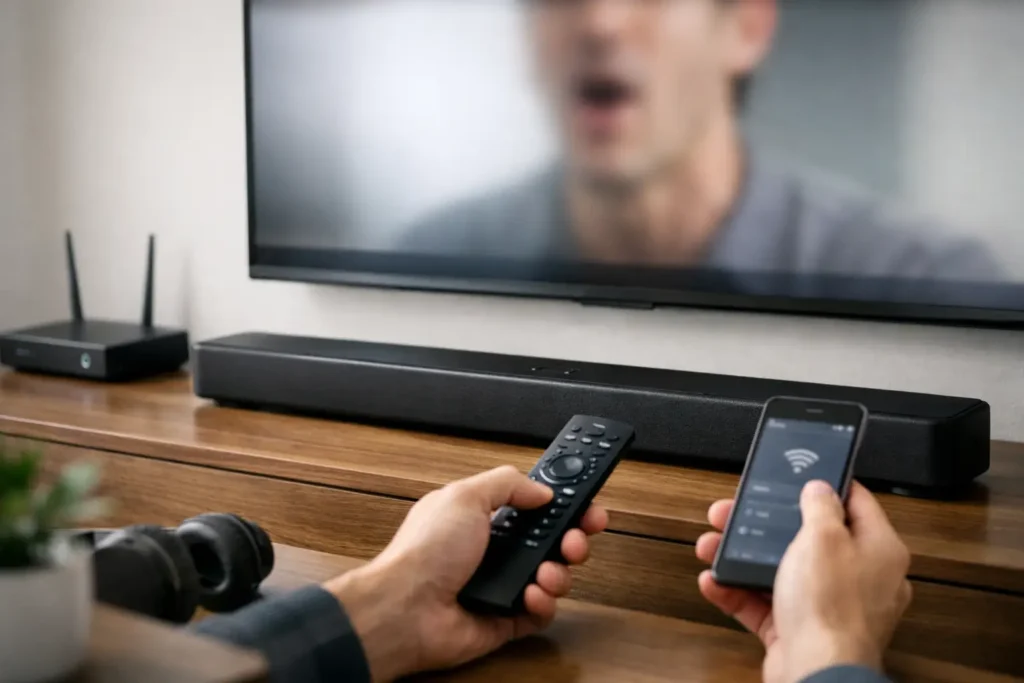
You sit down to watch a game or movie, and within seconds something feels off. The voices land a beat after the actors move, explosions sound late, and suddenly the whole system feels cheap even if the gear was not. If you have been asking, why is my soundbar lagging, the good news is that this is usually a setup problem, not a sign that your soundbar is failing.
Soundbar lag is almost always an audio processing issue somewhere between the source, the TV, and the soundbar. The challenge is that several devices can cause the same symptom. A streaming box can introduce delay, a TV can process video and audio at different speeds, and certain sound modes on the soundbar can add just enough latency to become noticeable. The fix depends on where the delay starts.
Why is my soundbar lagging in the first place?
In a simple setup, your source sends audio and video at the same time, your TV displays the picture, and your soundbar plays the sound. In the real world, those signals are often being converted, enhanced, compressed, and passed through multiple devices before they reach your ears.
That extra processing is where lip-sync problems begin. TVs often apply picture enhancement features like motion smoothing, noise reduction, and frame interpolation. Those features take time. At the same time, your soundbar may be decoding Dolby formats, virtual surround processing, or dialogue enhancement. If one side of the chain moves slower than the other, you get lag.
Wireless connections can make it worse. Bluetooth is convenient, but it is not ideal for TV audio when timing matters. Even some WiFi-based systems can introduce delay depending on the brand, the network, and how the components are grouped together. Convenience and perfect synchronization do not always go hand in hand.
The most common causes of soundbar lag
The connection type matters more than many people realize. HDMI ARC or eARC is usually the best option because it is designed to pass audio between your TV and soundbar with better control over sync. Optical can still work well, but it may limit certain audio formats and give you fewer lip-sync adjustment options. Bluetooth is typically the weakest choice for live TV, sports, and fast-paced content.
TV settings are another common culprit. Many newer TVs are loaded with video processing features that can create a mismatch between picture and sound. If your TV is in a vivid or enhanced mode, the image may be taking longer to render than the audio takes to reach the soundbar.
Source devices can also be responsible. A cable box, Apple TV, Roku, Fire TV, game console, or Blu-ray player may each handle audio output differently. Sometimes one app has a delay while others do not. That usually points to either a format issue or a processing issue tied to that source, not the soundbar itself.
Then there is the soundbar’s own processing. Surround virtualization, night mode, dialogue boost, room correction, and subwoofer synchronization can all help performance, but they can also add a small amount of delay. Usually that delay is manageable. In more complex setups, it can push the system past the point where your ears notice it.
Start with the simplest fix first
Before changing ten settings at once, test the system in a controlled way. Play something with obvious dialogue, preferably a scene where faces are clearly visible. Then try a different source. If the lag only happens on one app or one device, you have narrowed the issue quickly.
Next, power cycle everything. Turn off the TV, soundbar, and source device. Unplug them for a minute, then reconnect and restart. It sounds basic, but HDMI handshakes fail more often than people expect, especially after software updates or power outages.
If you are using Bluetooth for TV audio, switch to HDMI ARC, eARC, or optical if possible. That one change solves a surprising number of complaints.
Check your TV audio settings
This is where many lip-sync issues get fixed. In your TV menu, look for settings related to audio output, digital audio format, AV sync, or lip-sync adjustment. If your TV offers PCM, Dolby Digital, or Auto, try each one. Some soundbars behave better with PCM, while others work properly with bitstream or Dolby output. It depends on the equipment.
Also disable unnecessary picture processing for testing. Turn off motion smoothing, noise reduction, MPEG reduction, and any cinematic enhancement modes. If the lag improves, the issue is likely your TV spending too much time processing the image.
Many TVs also have a game mode. Even if you are not gaming, enabling game mode temporarily can tell you a lot because it reduces video processing. If game mode fixes the lip-sync problem, you know the TV’s picture enhancement features are a major factor.
Why is my soundbar lagging with HDMI ARC or eARC?
People often assume HDMI ARC or eARC guarantees perfect sync. Usually it is the best route, but not always a perfect one. ARC depends on both the TV and soundbar communicating correctly, and firmware bugs or mismatched settings can still create delay.
Make sure ARC or eARC is enabled on both devices. Confirm that CEC control is turned on if your system requires it. Then update the firmware on the TV and soundbar. Manufacturers regularly release updates that improve HDMI compatibility and sync performance.
If the soundbar has an audio delay or lip-sync adjustment, use it carefully. In some systems, you can delay the audio to match slow video processing. In others, the TV offers the better adjustment point. The key is to use one device for the correction instead of stacking multiple delay settings on top of each other.
If eARC is available, use it. It handles higher-bandwidth audio more effectively and tends to be more stable in premium setups. But if eARC is acting up, testing standard ARC can still be worthwhile. Sometimes the more advanced feature is not the more reliable one in a given room.
Source-by-source troubleshooting works best
If your cable box is delayed but streaming apps inside the TV are fine, the source box is likely the issue. Check its audio output format and try stereo, PCM, or Dolby settings one at a time. If your Apple TV or Roku is the only problem source, its audio settings may need adjustment.
Game consoles deserve special attention. They can output advanced surround formats, variable refresh rate video, and multiple frame settings that do not always play nicely with every TV-soundbar combination. Lower latency settings usually improve responsiveness, but there can be trade-offs in sound format or visual effects.
Streaming apps are their own category. One app may have built-in sync issues while another plays perfectly on the same hardware. If only one service is off, the setup may not be broken at all.
When the problem is the overall system design
Some homes have more than a simple TV and soundbar. Add a streaming box, gaming console, universal remote, smart home control, wireless subwoofer, rear speakers, and spotty WiFi, and the audio chain gets more complicated fast.
That does not mean the system is bad. It means every added layer creates another point where delay can creep in. Clean system design matters. The right cable path, the right HDMI settings, and the right source routing can make the same equipment perform dramatically better.
This is especially true in custom media rooms and living rooms where appearance matters. Hidden components, in-wall wiring, and integrated control are great when installed correctly, but they also make troubleshooting less obvious for homeowners.
Signs you may need professional help
If you have already changed cables, updated firmware, tested multiple sources, and adjusted sync settings without consistent improvement, the issue may be deeper than a single menu option. Intermittent HDMI handshake problems, failing ports, outdated cables, or poor source routing can all look like basic soundbar lag from the couch.
A proper diagnosis looks at the full chain, not just the soundbar. That includes the TV model, audio format settings, how sources are connected, whether the network affects wireless speakers, and whether the room has been set up for convenience rather than signal integrity. At Tri Star Home Theater, this is often the difference between a quick patch and a lasting fix.
A few practical fixes that often solve it
Use HDMI ARC or eARC instead of Bluetooth when possible. Update the firmware on the TV, soundbar, and source devices. Turn off excessive TV picture processing. Test PCM versus Dolby output. Use only one lip-sync adjustment setting at a time. And if one source keeps causing trouble, connect it directly in a different way and test again.
Those steps solve many cases. But not all of them. Some combinations of TV, soundbar, and source equipment simply need a more tailored setup to perform the way they should.
When your audio is late, the problem is rarely your imagination. Soundbar lag is real, it is common, and it is usually fixable with the right troubleshooting approach. If your system still feels off after the obvious fixes, it may be time to have the full setup evaluated so everything works together the way it was meant to.
Ready for a free consultation? Let’s get in touch! Call (949) 878-0531 Today