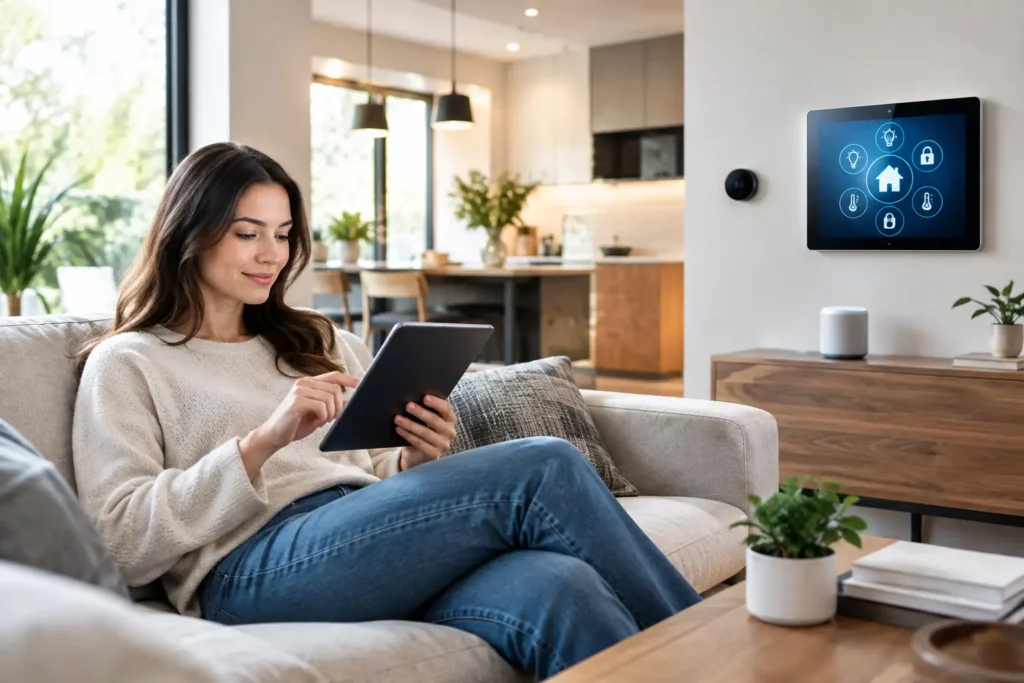
A movie night should not begin with three remotes, an app that will not connect, and a trip across the room to turn off the lights. Smart automation brings the parts of your home that you use every day into a system that responds the way you want it to – without making the house feel complicated.
For homeowners, the goal is rarely to add technology for its own sake. It is to make the TV, speakers, lighting, WiFi, climate controls, shades, and security features easier to live with. The right setup saves small moments of friction throughout the day while keeping the installation clean, dependable, and simple enough for everyone in the household to use.
What Smart Automation Should Actually Do
The best automation does not force you to learn a new routine. It supports the routines you already have. A single button can power on the television, select the correct streaming input, lower motorized shades, adjust the lights, and start your surround sound system at the right volume. When it is time to leave, another command can turn off selected electronics, adjust the thermostat, and confirm that exterior doors are secured.
That level of control can be as simple or as comprehensive as you need. Some homes only need a well-programmed universal remote and a few lighting scenes. Others benefit from integrated control of a theater, whole-home audio, security cameras, outdoor entertainment, networking equipment, and multiple smart devices.
The difference is in the design. A good system should make common tasks easier without taking control away from you. You should still be able to turn on a light, use an app when it is convenient, or make a manual adjustment without hunting through menus.
Start With the Moments That Matter
Before choosing products, think about where frustration shows up in your home. The right priorities are usually more useful than a long list of features.
A family room may need one remote that controls the TV, soundbar, cable box, streaming services, and room lighting. A dedicated theater may need programmed scenes for viewing, intermission, and cleanup. An outdoor patio might benefit from easy control of weather-rated TVs, speakers, landscape lighting, and WiFi coverage. For a small office, automation can simplify video conferencing, displays, and presentation audio.
Security and convenience can work together as well. Camera alerts, video doorbells, smart locks, garage access, and entry lighting can be organized so that you receive useful information without being overwhelmed by notifications. The best settings account for how the home is occupied, who needs access, and which alerts truly require attention.
This is also where a professional consultation can prevent unnecessary spending. Not every room needs every smart feature. A carefully planned system in the areas you use most often will usually deliver more value than filling the house with devices that are rarely touched.
Smart Automation Needs a Strong Network
Many homeowners blame a smart device when the real problem is WiFi. Streaming video freezes, music drops from a speaker, camera feeds lag, and voice commands fail when a network is poorly placed, overloaded, or relying on outdated equipment.
A reliable automation system begins with proper WiFi coverage and a network designed for the size and construction of the home. Large residences, thick interior walls, outdoor entertainment areas, and detached spaces can all create weak zones. A mesh system may help in some situations, but it is not always the right answer. Wired access points and properly located networking equipment often provide a more consistent result for high-demand homes.
It also helps to separate essential equipment from casual devices where appropriate. Security cameras, control hubs, streaming hardware, and work devices should not have to compete with every guest phone and smart appliance on the same crowded connection. Thoughtful network planning is not the most visible part of an installation, but it often determines whether the system feels dependable six months later.
Control Should Be Simple for Every User
There is no single best way to control a home. A wall keypad is quick and familiar. A handheld remote is often ideal for a home theater. A phone app is useful when you are away or want detailed settings. Voice control can be convenient for simple commands, especially in kitchens and bedrooms.
The strongest systems use the right control method for each situation instead of relying on one option for everything. For example, “Movie Night” may be best on a remote or keypad because it should work instantly and consistently. Checking a security camera from work makes more sense through a mobile app. Voice control may be perfect for turning on kitchen lights when your hands are full, but less practical when you want precise control over a full theater system.
Programming matters just as much as the hardware. Labels should be clear, favorite functions should be easy to find, and commands should account for the equipment already in the room. If a system requires a manual every time someone wants to watch a game, it is not doing its job.
Build Around Entertainment, Not Equipment
Home entertainment is one of the most natural places to add automation because several components must work together. A properly integrated room can handle TV power, source selection, speaker volume, receiver settings, projector control, screen positioning, and lighting from a single, straightforward interface.
For a projector room, automation can protect equipment and simplify startup. The projector can warm up before the screen lowers, the receiver can select the proper source, and lights can dim to a comfortable level. When the system is turned off, the sequence can allow the projector to cool down before power is fully cut.
Whole-home audio is another practical option. Music can follow you from the kitchen to the patio, while each area keeps independent volume control. This works especially well for homes that already use Sonos or similar audio systems, but the details matter. Speaker placement, wiring, WiFi strength, and source control all affect whether the experience feels polished or pieced together.
Clean installation matters here, too. Concealed wiring, properly mounted displays, ventilated equipment locations, and organized racks make a system safer, easier to service, and better looking. The technology should complement the room rather than take it over.
Plan for Flexibility and Service
Smart products change quickly, and no system is completely maintenance-free. Apps are updated, streaming services change their interfaces, batteries need replacement, and home networks occasionally need attention. That does not mean automation is unreliable. It means the system should be designed with realistic expectations and room to grow.
Choose equipment that fits your needs now while allowing for sensible upgrades later. During a remodel or new construction project, low-voltage pre-wiring can make future improvements far easier and less disruptive. Running the right cable to TV locations, speakers, cameras, access points, and outdoor zones gives you options that wireless-only systems may not provide.
It is also wise to avoid over-automating basic functions. Automating exterior lighting schedules and theater scenes can be helpful. Creating complex rules for every lamp, appliance, and sensor can create more troubleshooting than convenience. The right level depends on your household, your comfort with technology, and the amount of hands-on support you want after installation.
For homeowners in Newport Beach and throughout Orange County, working with a local specialist also means there is someone to call when a system needs an adjustment, an upgrade, or a repair. Tri Star Home Theater designs systems around real homes and real routines, with practical support long after the initial installation.
A well-planned automated home should fade into the background. The lights are right, the entertainment is ready, the connection is stable, and the controls make sense. That is when technology stops being another task and starts giving you more time to enjoy your home.
Ready for a free consultation? Let’s get in touch! Call (949) 878-0531 Today