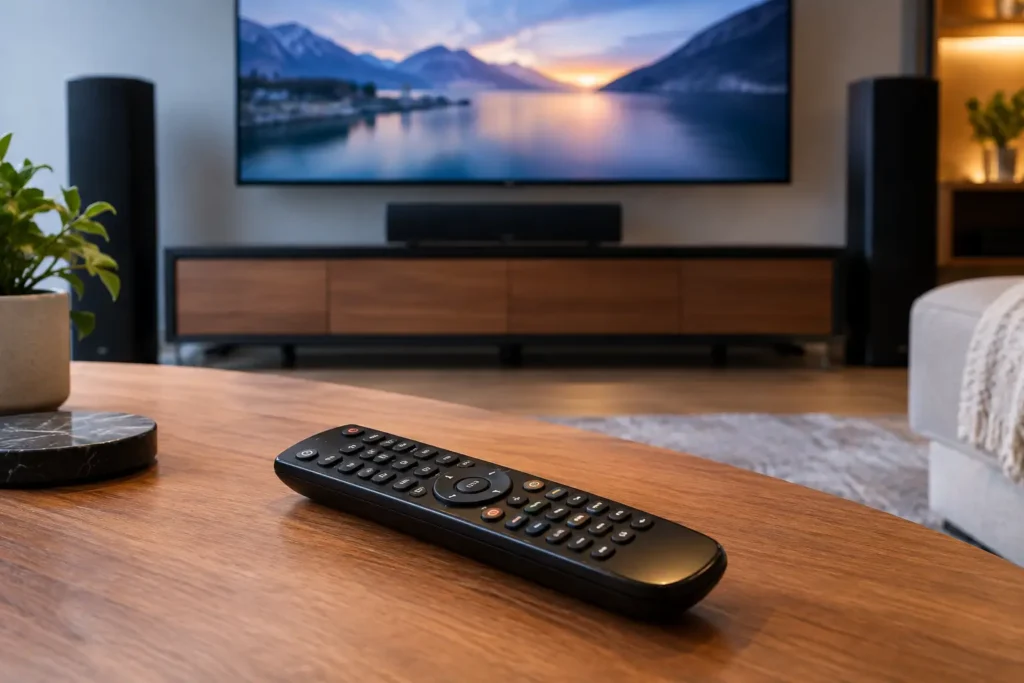
A great home theater can still feel frustrating when the coffee table is covered with remotes. One turns on the TV, another changes the receiver input, a third controls the streaming box, and someone inevitably presses the wrong button. The best universal remote systems replace that routine with a simple, dependable way to start a movie, watch live sports, or play music without thinking about the technology behind it.
For homeowners, the right choice is rarely just about buying one remote. It is about how the remote works with your TV, receiver, cable or streaming device, speakers, projector, lighting, shades, and WiFi. A system that looks impressive but confuses guests or fails to control a key component is not a real upgrade.
What Makes a Universal Remote System Worth Installing?
A universal remote should reduce steps, not add another layer of setup. At the most basic level, it should turn on the correct equipment, select the right inputs, adjust volume, and provide familiar channel or playback controls. In a more complete theater or media room, it may also lower a motorized screen, dim the lights, close shades, and set the room for a specific activity.
Reliability matters more than a long feature list. Many older universal remotes use infrared commands, which require a direct line of sight to each component. That can work well when equipment is visible in a cabinet, but it becomes less practical when an AV receiver, cable box, or streaming player is hidden away. Better systems can combine infrared with radio frequency, IP control over the network, or hardwired control so the equipment responds even when cabinet doors are closed.
Ease of use is equally important. A homeowner should be able to pick up the remote and press “Watch TV” or “Movie Night” without remembering the startup sequence. The same applies to family members, visitors, and anyone helping around the house. Good programming removes the guesswork by placing the controls people actually use on the screen or buttons they can reach easily.
Best Universal Remote Systems by Type of Home
There is no single best system for every room. The right remote depends on the number of devices, the type of control required, and whether the room may expand into broader smart home automation later.
Simple Universal Remotes for One-Room AV Setups
A basic programmable universal remote can be a sensible choice for a bedroom TV, guest room, or straightforward living room setup. These options work best when the system includes a television, soundbar, cable box, and one or two streaming devices. They are generally less expensive and familiar to use because they resemble a traditional TV remote.
The trade-off is flexibility. Basic models often depend on infrared, have limited automation options, and may not reliably manage components hidden inside cabinetry. They also tend to be less helpful when a room has a receiver with several sources, a projector, multiple zones of audio, or smart lighting that should respond with the theater.
For a simple setup, the goal is not a complicated control platform. It is one remote that reliably handles daily viewing without a stack of extra remotes nearby.
URC Systems for Customized Theater Control
URC is a strong fit for dedicated theater rooms and media rooms where a homeowner wants a professional-grade remote without turning every function into a touchscreen menu. Depending on the model and programming, URC systems can control TVs, projectors, AV receivers, Apple TV, cable boxes, Blu-ray players, music systems, and more.
A well-programmed URC remote can give each activity a single starting point. Pressing “Watch Apple TV,” for example, can power up the display, turn on the receiver, select the correct input, and present the playback controls needed for that source. For a projector room, “Movie Night” can start the projector, lower the screen, set the receiver input, and bring up the lighting scene.
URC can be especially effective when paired with the proper control processors and emitters for concealed equipment. The quality of the installation and programming makes a major difference. A remote can only feel simple when every command is tested across real-world conditions, including equipment warm-up times and occasional network delays.
Control4 for Whole-Home Convenience
Control4 is often a better fit for homeowners who want the theater or family room to work as part of a connected home. Its control options can include handheld remotes, in-wall keypads, touchscreens, and mobile access. Beyond AV equipment, Control4 can coordinate lighting, shades, climate settings, security devices, and multi-room music.
This makes sense in a home where a single “Entertainment” button should do more than turn on a TV. It can prepare the room by adjusting lights and shades, then bring the audio-video system online with the correct source selected. In larger homes, a homeowner may use the same platform to manage music on the patio, TV viewing in the family room, and a dedicated cinema downstairs.
The trade-off is that Control4 is an installed system, not a plug-and-play remote. It requires thoughtful design, compatible equipment, reliable networking, and professional programming. That upfront planning is worthwhile when convenience, appearance, and expansion matter, but it may be more than a small single-TV setup needs.
Savant for Premium Smart Home Control
Savant is another high-end option for homes that place a priority on integrated control, polished interfaces, and smart home coordination. It is commonly considered for larger renovations, custom homes, and media spaces where the owner wants a refined experience across entertainment, lighting, shades, and other connected systems.
Like Control4, Savant is most effective when it is planned as part of the overall system rather than added after every piece of equipment has been installed. It can provide excellent control for a theater, but its value grows when it manages multiple areas of the home. For a Newport Beach or Irvine homeowner completing a major remodel, that may be exactly the right approach. For a simple soundbar and TV installation, it could be unnecessary.
RTI for Flexible, Installer-Designed Systems
RTI is a respected option for custom AV control and can be a good match for homeowners who need flexibility around specific equipment and room requirements. It supports remote controls, touchpanels, automation processors, and custom programming for more complex installations.
RTI is particularly useful when a theater includes specialized components or control needs that do not fit neatly into an off-the-shelf package. It can be tailored for hidden AV racks, distributed audio, projector systems, and small commercial presentation spaces. As with other professional platforms, the experience depends heavily on design and programming. The best result is not the most elaborate interface. It is one that makes the room feel natural to operate.
How to Choose Between the Best Universal Remote Systems
Start with the room, not the brand. Count the components that need control and identify where they are located. A TV with a soundbar and streaming device has very different requirements than a theater with a projector, motorized screen, AV receiver, surround speakers, gaming console, cable box, and lighting control.
Next, consider how you use the room. If your household primarily streams through Apple TV or Roku, the remote should make those functions quick and familiar. If you watch sports through a cable box, channel navigation needs to be easy. If you have a projector, the system must handle startup and shutdown correctly to protect the lamp or light source and avoid leaving equipment running unnecessarily.
Network quality should also be part of the decision. Modern control platforms frequently depend on the home network for IP-based commands. Weak WiFi, poorly placed access points, or an overloaded network can make a remote appear unreliable even when the remote itself is programmed correctly. In many installations, improving the network is part of creating dependable AV control.
Finally, think about future changes. Adding Sonos, outdoor TV viewing, security cameras, automated shades, or another entertainment area later may influence which platform makes sense now. Planning for expansion does not always mean paying for every feature upfront. It means choosing a foundation that will not need to be replaced as the home evolves.
Why Professional Remote Programming Matters
Universal remote systems are often judged by the remote in your hand, but the behind-the-scenes work is what determines whether it performs well. Every device must be identified correctly, connected properly, and programmed with the right commands. Input names need to match what the family sees on screen. Activities need proper timing, especially when equipment powers on at different speeds.
A professional installation also addresses the physical details that DIY setups can miss. Infrared emitters must be placed correctly. Hidden devices may need control repeaters. AV racks need ventilation and cable organization. Receivers and streaming devices may require network configuration. These details keep a remote from becoming another source of frustration.
Tri Star Home Theater approaches remote control as part of the complete viewing experience. Whether the need is one clean remote for a living room or integrated control for a full theater and smart home system, the objective stays the same: make the technology easy to enjoy.
The best remote is the one you stop noticing because every movie night, game day, and music session starts exactly the way it should.
Ready for a free consultation? Let’s get in touch! Call (949) 878-0531 Today