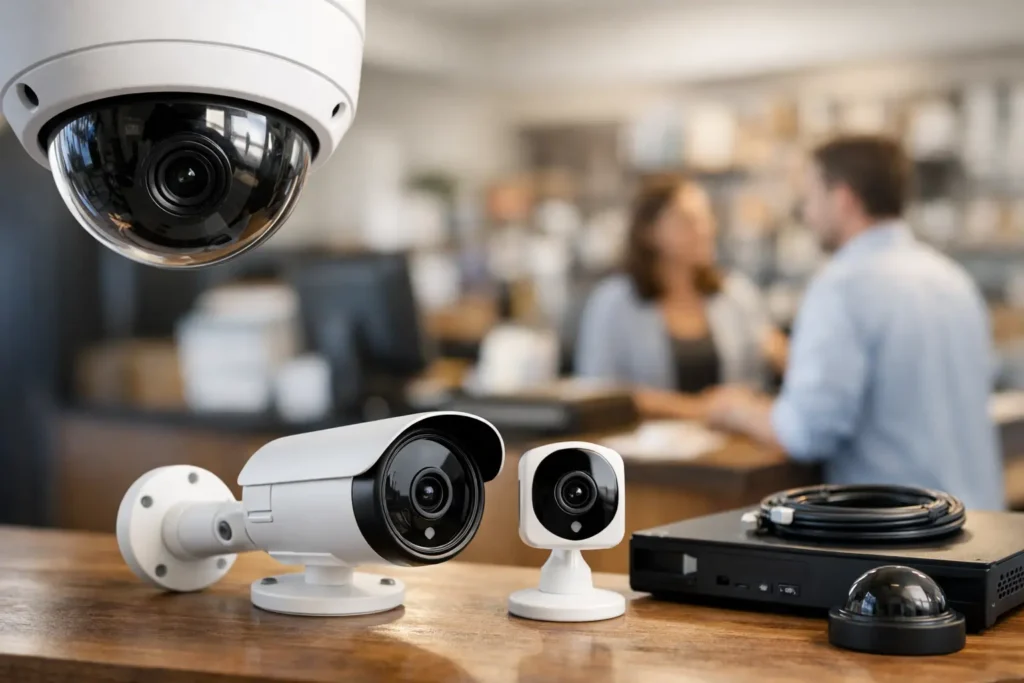
A missing delivery, an after-hours door opening, or a dispute at the register can become much easier to resolve when the right footage is available. The best security cameras for small business do more than record a wide view of the room. They provide clear evidence, dependable coverage, and remote access that helps an owner stay informed without constantly watching a screen.
For a retail store, office, warehouse, salon, restaurant, or professional service space, the right system depends on the layout, operating hours, network reliability, and the areas that create the most risk. A low-cost camera may work for a single front door, but a business with customer traffic, inventory, employees, and multiple entrances often benefits from a professionally designed wired system.
What the Best Security Cameras for Small Business Have in Common
The most useful camera system begins with image quality. Look for at least 4K resolution in areas where you may need to identify a face, read a license plate, or review a transaction. Resolution alone is not the full story, however. Camera placement, lighting, lens angle, and nighttime performance all affect whether footage is actually useful when you need it.
Reliable recording is equally important. Cloud recording can be convenient, particularly for a small location with only a few cameras, but it often requires monthly fees and depends on a steady internet connection. Local recording through a network video recorder, often called an NVR, keeps footage on-site and can support more cameras without adding a recurring fee for every device. Many business owners choose a hybrid approach, with local recording for primary storage and secure remote access for quick viewing.
The best systems also make it easy to find a specific event. Motion alerts, person and vehicle detection, activity zones, and searchable timelines save time compared with scrolling through hours of video. These features should be adjusted carefully. An alert system that sends a notification every time a car passes a storefront or a tree moves in the wind quickly becomes background noise.
Choose Cameras by Area, Not by a One-Size-Fits-All Package
A camera package can look complete on paper while leaving key areas poorly covered. The stronger approach is to match the camera style to what it needs to see.
Entrances and customer-facing doors
A front entrance camera should capture people approaching and entering, with enough detail to identify faces in changing daylight. A turret or dome-style camera with wide dynamic range is often a good fit because it handles bright exterior light and darker interior areas more effectively than a basic camera. If packages are left outside, the camera should cover the handoff area rather than only the sidewalk or parking lot.
For a business with a rear or employee entrance, a second camera is often just as valuable. Rear doors, service alleys, and gated access points are common blind spots, especially after business hours.
Cash wraps, reception desks, and point-of-sale areas
A camera above a register or reception area should show transactions, the cash drawer, and the person standing at the counter without invading private employee spaces. This view can help resolve customer disputes, track delivery drop-offs, and document incidents involving cash or merchandise.
Avoid placing the camera so high or so far away that it captures only the tops of heads. A professional can select the right lens and mounting position to provide a useful angle while keeping the installation clean and discreet.
Inventory rooms, hallways, and work areas
Indoor dome or turret cameras are well suited to stock rooms, back hallways, storage areas, and general workspaces. These areas often need broad coverage rather than extreme zoom. A fixed-lens camera can be more reliable and cost-effective than a motorized model when the viewing area is predictable.
For businesses that store higher-value inventory, add coverage at the door as well as inside the room. That creates a clearer record of who entered, when they entered, and what happened afterward.
Parking lots and exterior perimeters
Outdoor cameras need weather-rated housings, infrared night vision, and mounting that discourages tampering. Parking lots also need more planning than many owners expect. A camera mounted too high may show the general scene but fail to capture identifying details. A camera mounted too low can be vulnerable to damage or glare from headlights.
For long drive lanes, gates, or vehicle entrances, a dedicated license plate camera may be warranted. It is not the same as a general overview camera. Plate capture requires a more focused field of view and careful adjustment for speed, angle, and nighttime lighting.
Wired PoE Systems Usually Make Sense for Growing Businesses
Wireless cameras are appealing because they can be installed quickly, and they can be a practical option for a small office with one difficult-to-reach location. Their limitations become clearer as camera counts increase. WiFi congestion, signal loss, battery changes, and inconsistent recording can turn a simple setup into an ongoing maintenance issue.
For most permanent small-business installations, Power over Ethernet, or PoE, is the stronger choice. One Ethernet cable carries both power and data to each camera. This supports consistent video quality, centralized recording, and a cleaner long-term installation. It also avoids filling the business WiFi network with constant high-bandwidth camera traffic.
A wired system does require planning. Cable routes may need to be run through walls, ceilings, attics, or conduit, and the network equipment should be placed somewhere secure and ventilated. That upfront work is one reason professional installation can be worthwhile. The result is a system that is easier to expand and less likely to create problems during a busy workday.
Features Worth Paying For
Not every advanced feature has value for every location, but several can make a meaningful difference. Remote viewing through a secure mobile app lets owners check in after an alarm, confirm that staff opened on time, or review activity while away. It should be protected with strong passwords, multi-factor authentication when available, and individual user accounts instead of one shared login.
Two-way audio can be useful at a front door, delivery entrance, or gate. It is less necessary for general surveillance cameras and should be used with awareness of local privacy and audio-recording requirements. For larger spaces, audio may create more legal and operational questions than it solves.
Smart detection is another feature that benefits from restraint. Person, vehicle, and line-crossing alerts can be valuable for exterior doors and closed areas after hours. In an active sales floor or busy lobby, those same alerts may be excessive. Good system programming matters as much as the hardware itself.
Color night vision can produce more detailed nighttime footage when there is enough ambient light. Traditional infrared night vision remains useful in darker areas, but it usually records in black and white. An installer can evaluate existing lighting and recommend whether added lighting will improve security, safety, and image quality.
Plan for Privacy, Retention, and Daily Use
Security cameras should protect the business without creating unnecessary privacy concerns. Cameras generally belong in entrances, sales floors, reception areas, hallways, inventory spaces, and exterior access points. Avoid private areas such as restrooms and changing rooms. Employee-facing cameras should be communicated clearly and used according to applicable workplace policies.
Recording retention should match the type of business and the amount of storage available. Many small businesses aim for roughly 14 to 30 days of footage, but the right period depends on how quickly incidents are usually discovered. More cameras, higher resolution, and continuous recording use more storage. Motion-based recording can extend retention, though it must be configured well enough not to miss important activity.
Before choosing equipment, think about who will actually use it. The owner may need full access, while a manager may only need live viewing and playback. A receptionist may need no camera access at all. Clear user permissions reduce risk and keep the system easier to manage.
Professional Design Avoids the Most Common Gaps
The biggest camera-system mistakes are rarely caused by buying the wrong brand. They come from poor placement, weak WiFi, inadequate storage, and cables that were never planned around the building. A camera aimed at a door can still miss the face of the person using it. An NVR placed in an unlocked closet can be taken along with the evidence. An overloaded network can make remote viewing frustrating when it matters most.
For small businesses in Newport Beach and throughout Orange County, a site walkthrough can identify these issues before installation begins. Tri Star Home Theater can help design camera coverage around the way your business operates, including clean cable routing, reliable recording, network considerations, and simple remote access for the people who need it.
The right camera system should give you useful answers, not another piece of technology to babysit. Start with the areas where visibility would make the biggest difference, then build a system that can grow with your business.
Ready for a free consultation? Let’s get in touch! Call (949) 878-0531 Today