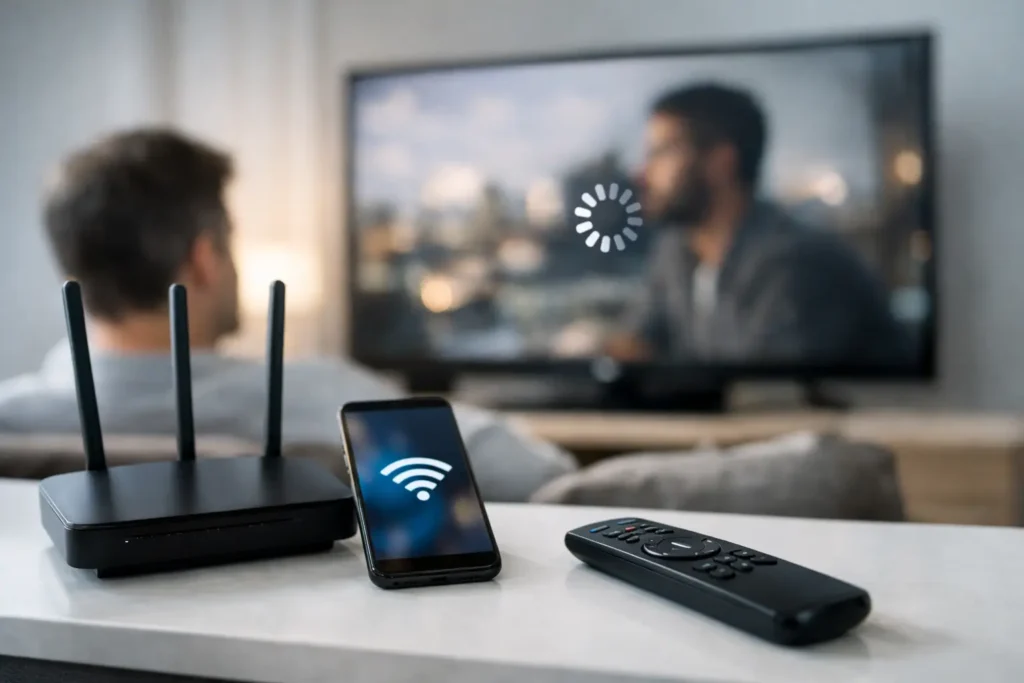
Movie night usually starts with the TV, but the real problem is often hiding in the network. If you’ve ever pressed play and watched a 4K stream turn soft, buffer, or freeze, you’re asking the right question: can wifi affect streaming quality? Absolutely. In many homes, WiFi is the difference between a clean, consistent picture and a frustrating experience that makes an expensive TV or sound system feel underwhelming.
Streaming quality depends on more than your subscription plan or the app you use. Your internet service matters, but the way that connection reaches your TV, media player, projector, or whole-home AV system matters just as much. A fast plan on paper does not guarantee strong real-world performance in the room where you actually watch.
Why WiFi affects streaming quality so often
Streaming video is sensitive to interruption. Services like Netflix, YouTube TV, Hulu, Max, and live sports apps constantly adjust video quality based on the connection they detect in real time. When WiFi is unstable, those platforms often lower the resolution first to avoid stopping playback. That is why a stream can look blurry before it starts buffering.
This is also why many homeowners assume the app is the problem when the network is really the issue. The app is reacting to inconsistent bandwidth, weak signal strength, interference, or congestion. In a home theater or media room, that can show up as pixelation, spinning loading icons, audio dropouts, or long delays when switching channels.
WiFi performance is especially important for 4K streaming. Higher resolution content needs more sustained bandwidth and less fluctuation. A connection that seems fine for email, web browsing, or even casual phone use can still struggle when asked to deliver 4K HDR content on a large screen.
Can WiFi affect streaming quality even with fast internet?
Yes, and this is one of the most common points of confusion. Many people upgrade their internet speed and still deal with buffering. That happens because internet speed and WiFi quality are related, but they are not the same thing.
Your provider may be delivering plenty of speed to the modem. But if the router is in the wrong place, if walls are blocking signal, if too many devices are sharing the same wireless band, or if your TV is connecting to a weaker access point, streaming quality can still suffer.
Think of it this way: your internet plan is the water supply coming into the house. WiFi is the plumbing that gets it where it needs to go. If the plumbing is poorly laid out, the faucet at the far end still underperforms.
The biggest WiFi issues behind poor streaming
Signal strength is one of the biggest factors. TVs are often mounted on walls, tucked into cabinetry, or placed in rooms far from the router. That can create a weaker wireless connection than you might expect. A streaming box behind a TV can also have a harder time receiving signal, especially if it is surrounded by metal brackets, electronics, or dense walls.
Interference is another major cause. WiFi shares airspace with other household electronics and neighboring networks. In busy areas, especially properties with many connected devices or nearby homes, wireless channels can become crowded. Microwaves, baby monitors, wireless cameras, and older smart home gear can also interfere in certain situations.
Congestion matters too. It is not just about one TV. If someone is gaming upstairs, another person is on a video call, security cameras are uploading footage, and several phones are syncing in the background, your streaming device is competing for bandwidth and router attention. Some routers handle that well. Others do not.
Then there is hardware quality. An older router may technically work, but still be a poor fit for a modern streaming household. If you have multiple TVs, smart speakers, tablets, phones, cameras, and automation devices, the router is doing a lot more than it did a few years ago.
What poor WiFi looks like on screen
Bad WiFi does not always mean constant buffering. Sometimes the signs are more subtle. You may notice that a show starts in low resolution and sharpens after 20 or 30 seconds. You may see occasional pauses during live sports, lip-sync issues, or a stream that drops out at the same time every evening.
Those patterns usually point to network inconsistency rather than a TV defect. If one app works better than another, that does not rule out WiFi either. Different platforms compress video differently and respond to weak connections in their own ways.
In larger homes or homes with outdoor entertainment areas, the issue often changes by room. The family room may stream fine while the bedroom TV struggles. The projector may lag while the soundbar works normally. That kind of uneven performance is a strong sign that the wireless layout needs attention.
When WiFi is fine and the problem is something else
It is worth being practical here. Not every streaming issue is caused by WiFi. Sometimes the app is having service problems. Sometimes the streaming device is outdated or overloaded. In other cases, the television’s built-in smart platform is simply slower than a dedicated external streamer.
There are also times when the internet service itself is unstable, especially during peak usage hours. If the connection coming into the home is dropping, better WiFi alone will not fix that.
This is where proper troubleshooting matters. Guessing can lead to unnecessary upgrades. A professional evaluation can tell you whether the issue is signal strength, router placement, network design, device limitations, or the incoming service from the provider.
How to improve streaming quality without overcomplicating it
The first step is router placement. A router hidden in a cabinet, garage, or structured panel is often working against the home instead of for it. More central placement usually helps, especially for primary viewing spaces.
The next step is checking whether the home needs a mesh system, a stronger router, hardwired connections, or a combination of all three. There is no single fix that works for every property. A smaller condo may perform perfectly with one well-placed router. A larger home with thick walls, multiple floors, and several entertainment zones may need a more deliberate design.
For the best possible streaming reliability, wired connections are still the gold standard. If a TV, Apple TV, Roku, gaming console, or media rack can be connected with Ethernet, that usually delivers more stable performance than WiFi alone. Not every room makes that easy, especially in finished homes, but when it is possible, it often makes a noticeable difference.
Upgrading the WiFi system itself can also help. Newer equipment handles more devices, better traffic management, and stronger coverage. But again, placement and setup matter just as much as the hardware. A premium router in the wrong location can still disappoint.
WiFi upgrades matter more in custom home entertainment setups
The more advanced your setup, the less forgiving poor connectivity becomes. Large 4K and 8K displays, whole-home audio, smart remotes, streaming boxes, wireless speakers, cameras, and automation platforms all put demands on the network. In these environments, WiFi is not just a convenience. It is part of the entertainment infrastructure.
That is why many homeowners upgrading their theater, TV room, or outdoor entertainment area also end up improving their network. The display may get the attention, but the viewing experience depends on what is happening behind the scenes.
For homes in Newport Beach and throughout Orange County, this comes up often during remodels, TV installations, and system upgrades. A beautiful mounted TV and hidden wiring look great, but if the network is unreliable, the final result still feels unfinished.
The real answer to can WiFi affect streaming quality
Yes, and often more than people realize. WiFi can reduce resolution, trigger buffering, create audio and video dropouts, and make premium streaming services feel inconsistent. At the same time, not every issue calls for a major overhaul. Sometimes a small change in placement or configuration solves the problem. Other times, the home needs a better-designed network to match the way the space is actually used.
If your streaming quality changes from room to room, drops during peak hours, or never seems to match the quality of your equipment, it is worth taking a closer look at the network before replacing the TV or blaming the app. Good entertainment systems depend on good connectivity.
A well-set-up home should let you press play and enjoy the picture you are paying for, without the usual troubleshooting ritual. Ready for a free consultation? Let’s get in touch! Call (949) 878-0531 Today