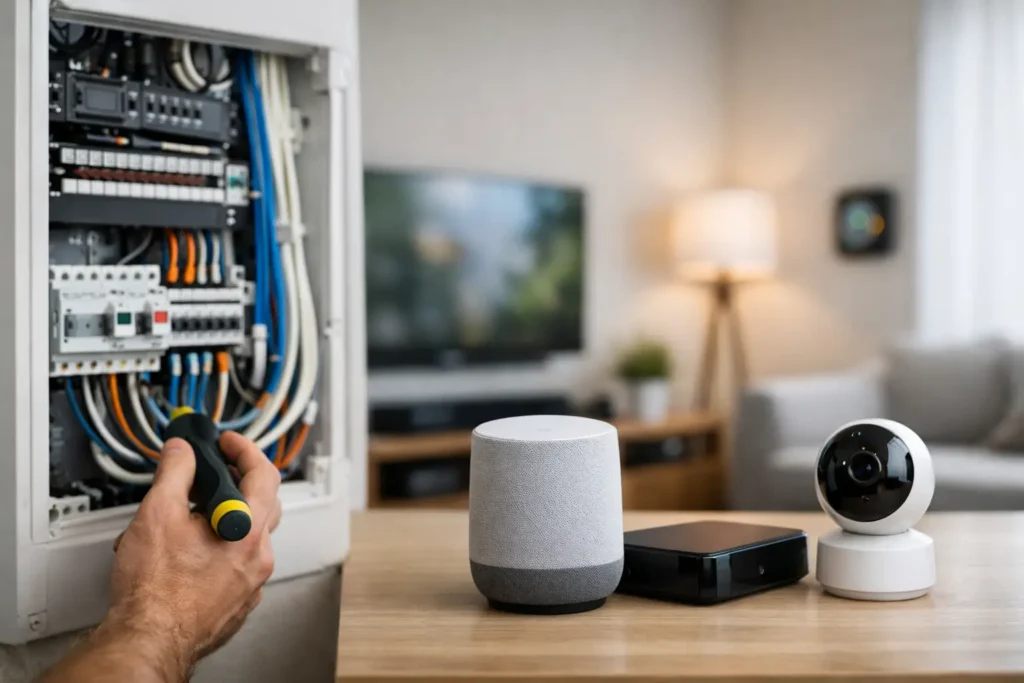
A beautiful TV wall, strong whole-home WiFi, discreet speakers, dependable security cameras, and easy smart-home control all have one thing in common: the wiring behind the walls. A smart home wiring guide is most valuable before drywall goes up or a remodel is finished, when a little planning can prevent years of visible cords, weak connections, and expensive rework.
For Orange County homeowners, the goal is rarely to fill a house with gadgets. It is to build a home that works reliably, looks clean, and can adapt when technology changes. The right low-voltage wiring plan creates that foundation.
Start With How You Actually Use Each Room
Smart-home wiring should follow your lifestyle, not a generic checklist. A family room may need a mounted TV, surround sound, streaming equipment, and hardwired network access. A dedicated theater may need speaker wire, projector cabling, control wiring, and an equipment location with proper ventilation. A patio may need outdoor speakers, a TV connection, WiFi coverage, and camera wiring.
Walk through the property room by room before selecting cable types or locations. Think about where furniture will sit, where the TV will be viewed from, and whether a space may change purpose later. A spare bedroom might eventually become an office, media room, or nursery. Running a few additional lines while walls are open costs far less than opening finished walls later.
Also consider the equipment that should stay out of sight. Centralizing network gear, AV components, and smart-home hardware in a closet, cabinet, or rack can make the home easier to service and far less cluttered. That location needs power, cooling, accessible pathways, and enough room for future equipment.
The Smart Home Wiring Guide: Cables Worth Planning For
Low-voltage wiring is not one cable doing every job. Each system has different needs, and the best plan usually includes several cable types routed through organized pathways.
- Cat6 or Cat6A Ethernet cable supports wired internet, WiFi access points, smart TVs, streaming devices, computers, touch panels, network switches, and many security cameras. It is one of the most flexible cables to install.
- Speaker wire connects in-wall, in-ceiling, outdoor, and theater speakers. The proper gauge depends on cable length and speaker design, but it should be rated for in-wall use where required.
- Fiber or conduit gives high-capacity systems room to grow. Conduit is especially useful because it lets a technician pull new cable later without cutting drywall.
- Coaxial cable may still be useful for cable service, antenna feeds, certain video distribution systems, or internet service equipment, depending on the provider and property.
- Security and access-control wiring supports cameras, video doorbells, gate controls, alarm components, and related devices. Many modern cameras use Power over Ethernet, which sends power and data through one Ethernet cable.
Not every home needs every option. A smaller home with a soundbar and a few cameras has different needs than a large Newport Coast property with multiple TV zones, outdoor entertainment, and a dedicated theater. The principle is the same: install a flexible infrastructure rather than wiring only for the products you own this year.
Why Wired Connections Still Matter
Wireless technology is convenient, but it does not eliminate the value of structured wiring. WiFi is shared airspace. Walls, metal, stone finishes, neighboring networks, and a growing number of connected devices can affect performance.
A wired backbone gives wireless access points a dependable connection, which improves coverage throughout the home. Hardwiring stationary devices such as TVs, gaming systems, desktop computers, and media servers also reduces traffic competing for WiFi. For high-bitrate streaming, gaming, and security camera recording, that difference can be noticeable.
The best setup is usually not wired versus wireless. It is a practical combination: hardwire the devices and access points that benefit from it, then use strong WiFi for phones, tablets, and mobile smart-home devices.
Plan TV and Home Theater Wiring Before Finishes Go In
A wall-mounted TV should look intentional, not like a screen with a bundle of cables hanging underneath. Before construction is complete, plan for a recessed power solution installed by a qualified electrician, low-voltage pathways, Ethernet, and the connections needed for your components.
For a clean installation, it often makes sense to place streaming devices, cable boxes, receivers, or gaming equipment in a nearby cabinet or central equipment rack. This keeps the TV wall uncluttered, but it requires planning for video distribution and control. HDMI cable runs have distance limitations, so longer runs may require active cables, fiber HDMI, or a properly designed extender system.
Theater rooms need even more coordination. Speaker locations should be set before insulation and drywall, particularly for Dolby Atmos ceiling speakers and surround channels. Projector installations require a planned cable route to the projector location, plus a suitable power location and mounting support. If the room will have motorized shades, lighting scenes, or acoustic treatments, those choices should be coordinated early so every system works together without compromising the room’s appearance.
Avoid the Common TV Wall Mistake
One frequent mistake is running only a single HDMI cable behind the TV. It may work for the current setup, but it offers little flexibility if the homeowner adds a receiver, changes source equipment, or needs a different video format later.
A better approach is to install a conduit or accessible pathway between the TV and equipment location. Add Ethernet where possible. This provides options without committing the wall to one product or one connection standard.
Give WiFi, Cameras, and Smart Devices a Real Foundation
A fast internet plan cannot compensate for poor WiFi design. Large homes, concrete or plaster walls, multiple levels, and outdoor living spaces often need strategically placed wired access points rather than one router sitting in a corner office.
During pre-wiring, identify likely access point locations on ceilings or high walls. Ethernet cable can provide both data and power through Power over Ethernet, eliminating the need for a separate outlet at every access point. This is cleaner and generally more reliable than relying only on wireless mesh nodes.
Security cameras benefit from the same planning. Wired camera locations can be selected to cover entries, driveways, side yards, pool areas, and gates without creating obvious surface-mounted cabling. Camera placement should consider lighting, privacy, viewing angles, and local requirements, not just the nearest place to mount a device.
Smart lighting, motorized shades, smart locks, and voice-control systems can often use wireless communication, but many depend on a strong network. The wiring plan does not need to anticipate every future device. It should make future additions easier by providing solid network coverage, power where it may be needed, and pathways for expansion.
Keep Low-Voltage and Electrical Work Properly Coordinated
Low-voltage cabling and line-voltage electrical wiring have different installation requirements. They should be kept appropriately separated, and power work should be handled by qualified electrical professionals. This protects safety, reduces interference concerns, and helps the finished system meet applicable requirements.
Coordination matters most during a remodel or new build. The AV installer, electrician, builder, interior designer, and homeowner should agree on equipment locations, TV mounting heights, speaker positions, access point placement, and control locations before the walls are closed. A late change to a fireplace TV wall or ceiling speaker layout can affect several trades at once.
Labeling is another detail that pays off later. Every cable should be clearly identified at both ends, documented, and tested before drywall. A clean rack and labeled wiring may not be visible to guests, but it saves time whenever a system is upgraded, repaired, or serviced.
Build for the Next Upgrade, Not Just This One
Technology will change. Your walls should not have to. Extra Ethernet runs, spare conduit, accessible equipment space, and thoughtful labeling are small decisions that protect your investment over time.
If you are renovating, this is the moment to make those decisions carefully. A hands-on installation professional can review plans, identify blind spots before construction closes them in, and design around how your family wants to watch, listen, work, and relax at home.
Ready for a free consultation? Let’s get in touch! Call (949) 878-0531 Today